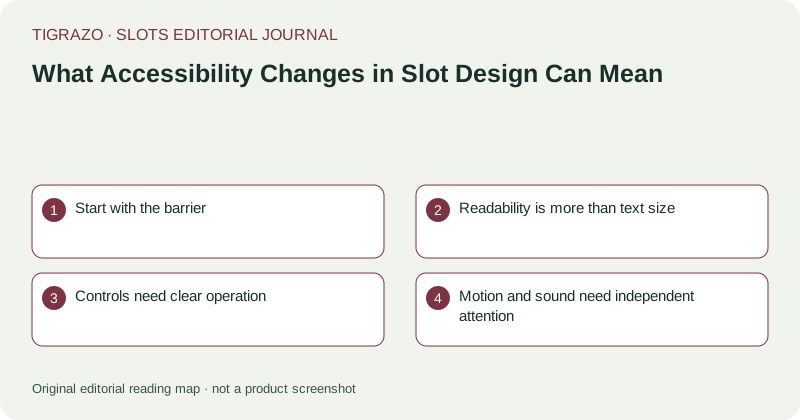
Start with the barrier
A useful accessibility story names a concrete difficulty: low-contrast text, small controls, colour-only signals, rapid motion or an information panel that is hard to navigate. The change can then be described against that barrier. Saying a game is now accessible without defining the improvement is too broad, because users can encounter different combinations of visual, motor, cognitive and hearing-related needs.
Readability is more than text size
Larger type can help, but spacing, contrast, zoom behaviour and information hierarchy also matter. A rule panel may use readable letters while presenting a dense sequence with unclear headings. Symbol distinctions should not depend solely on subtle colour differences. An editor can explain documented changes to these elements without claiming that they have been personally assessed or that every reader will benefit equally.
Controls need clear operation
Input accessibility includes labelled controls, visible focus where keyboard navigation exists, and predictable behaviour. Touch targets should be distinguishable from nearby controls. Important financial actions should be clear about their effect. These are interface dimensions, not evidence of favourable game mathematics. Coverage should also distinguish a provider's claimed support for an input method from independently verified operation across devices.
Motion and sound need independent attention
Reduced-motion options, animation controls and separate audio settings can address particular barriers or preferences. A hypothetical update that allows background music to be muted while retaining essential alerts changes audio control, not necessarily visual clarity or keyboard access. Similarly, reduced animation does not change the probabilities of independent outcomes. Each feature should be described within its actual scope rather than rolled into a universal accessibility verdict.
Use a scope-aware checklist
- What barrier is identified?
- Which control or presentation element changes?
- Is support documented or directly assessed?
- Which devices and input methods are covered?
- What remains outside the claim?
Readable spending information, clear award labels and easy access to session controls can also matter. Accessibility should not be framed solely as making continued play easier; understanding and stopping are equally relevant interface tasks.
Measured editorial language recognises meaningful progress without overstating completeness. A particular contrast improvement can be worthwhile even when other barriers remain unresolved. Describing that specific achievement gives readers usable information and gives future coverage a clear baseline, while avoiding an unsupported claim that a complex interactive product is accessible to everyone.
Accessibility statements should also distinguish optional settings from default behaviour. A reduced-motion option helps only if users can discover and operate it. Coverage can identify that distinction without claiming a completed accessibility audit or inventing experiences on behalf of people with particular needs.